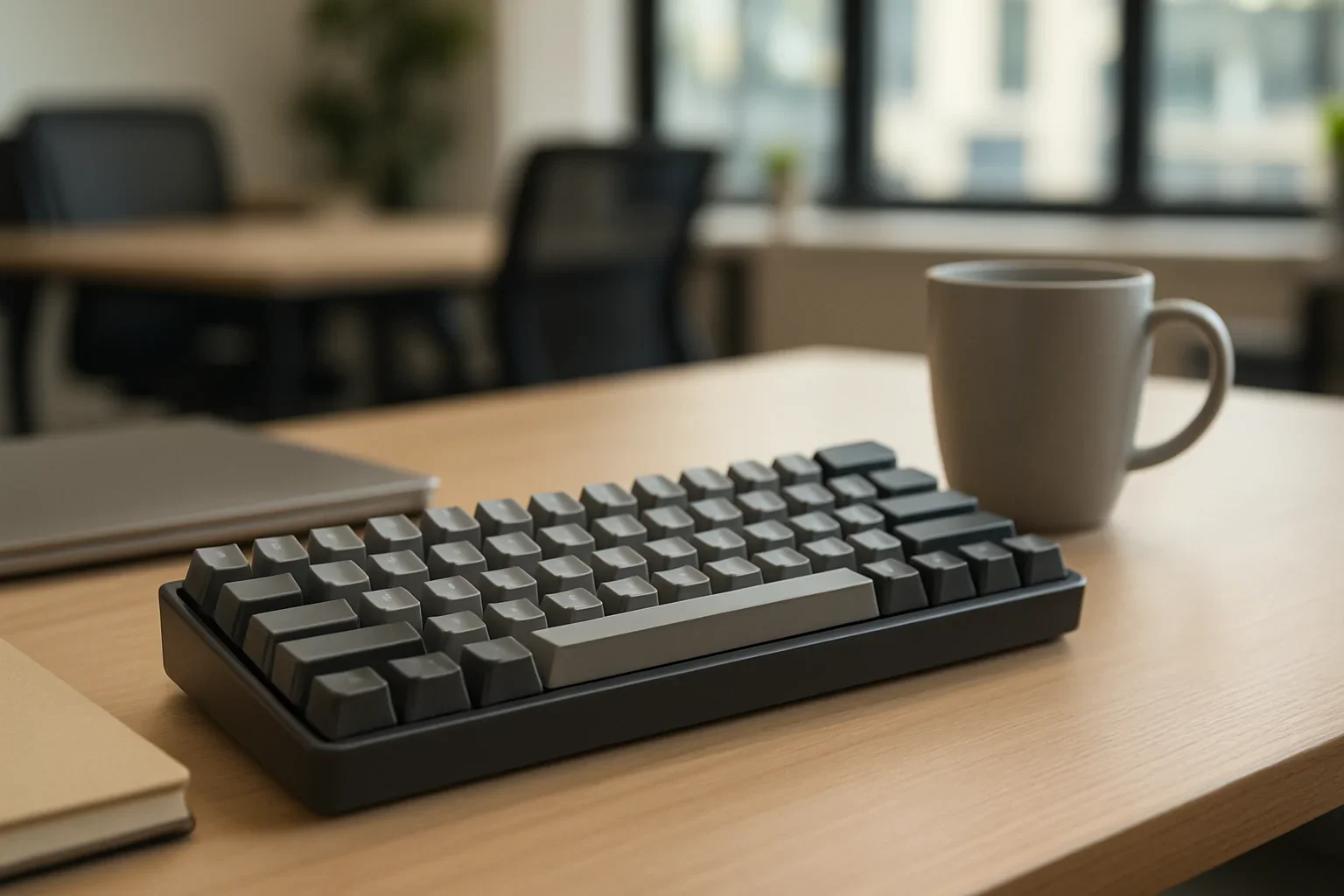
Best Quiet Mechanical Keyboards for Offices and Shared Spaces
A mechanical keyboard can be comfortable, durable, and satisfying without sounding like a typewriter in a quiet office. The best quiet models reduce both the sharp sound of the switch and the hollow resonance that often comes from the case. That distinction matters: a keyboard may use quiet switches yet still be distracting if its stabilizers rattle, keycaps are thin, or the case amplifies every keystroke.
For shared spaces, prioritize a board with factory-lubricated stabilizers, sound-dampening foam, a compact but practical layout, and switches described as silent or low-noise. A wired keyboard is often the simplest choice for a fixed desk, while a wireless model is more convenient if the same keyboard moves between a desktop, laptop, or tablet. Check operating-system support and connection options before buying, especially if your Keyboard Interface needs include Bluetooth, a USB receiver, or a detachable USB cable.
What Makes a Mechanical Keyboard Quiet
Most mechanical keyboard noise comes from three events: the switch moving, the keycap striking the switch housing on the way down, and the keycap hitting the upper stop on the way back up. Bottoming out and releasing a key create much of the sound heard by nearby coworkers. The spacebar and other large keys can add a separate rattle because they use metal or plastic stabilizer bars.
Silent switches address this problem with small rubber dampers inside the switch. These cushions soften both the downward and upward impact, making a larger difference than simply choosing a regular linear switch. They do not make a keyboard completely silent, and a heavy typist can still produce desk noise, but they are usually the most effective starting point for a shared office.
Case construction also matters. A plastic case with empty internal space can produce a hollow echo, while a denser case and internal foam tend to sound lower and less intrusive. Foam is not automatically better if it makes the board feel too soft or complicates maintenance, so consider the whole design rather than treating one specification as a guarantee of quietness.
Best Quiet Mechanical Keyboards
When comparing the three catalog picks later in this guide, look beyond the switch name. A strong office keyboard should combine quiet switches with stable large keys, a comfortable angle, reliable wireless or wired connectivity, and key legends that remain easy to read. If you need a number pad for spreadsheets, do not sacrifice it merely to achieve a smaller footprint; moving between layers can be slower and frustrating during daily work.
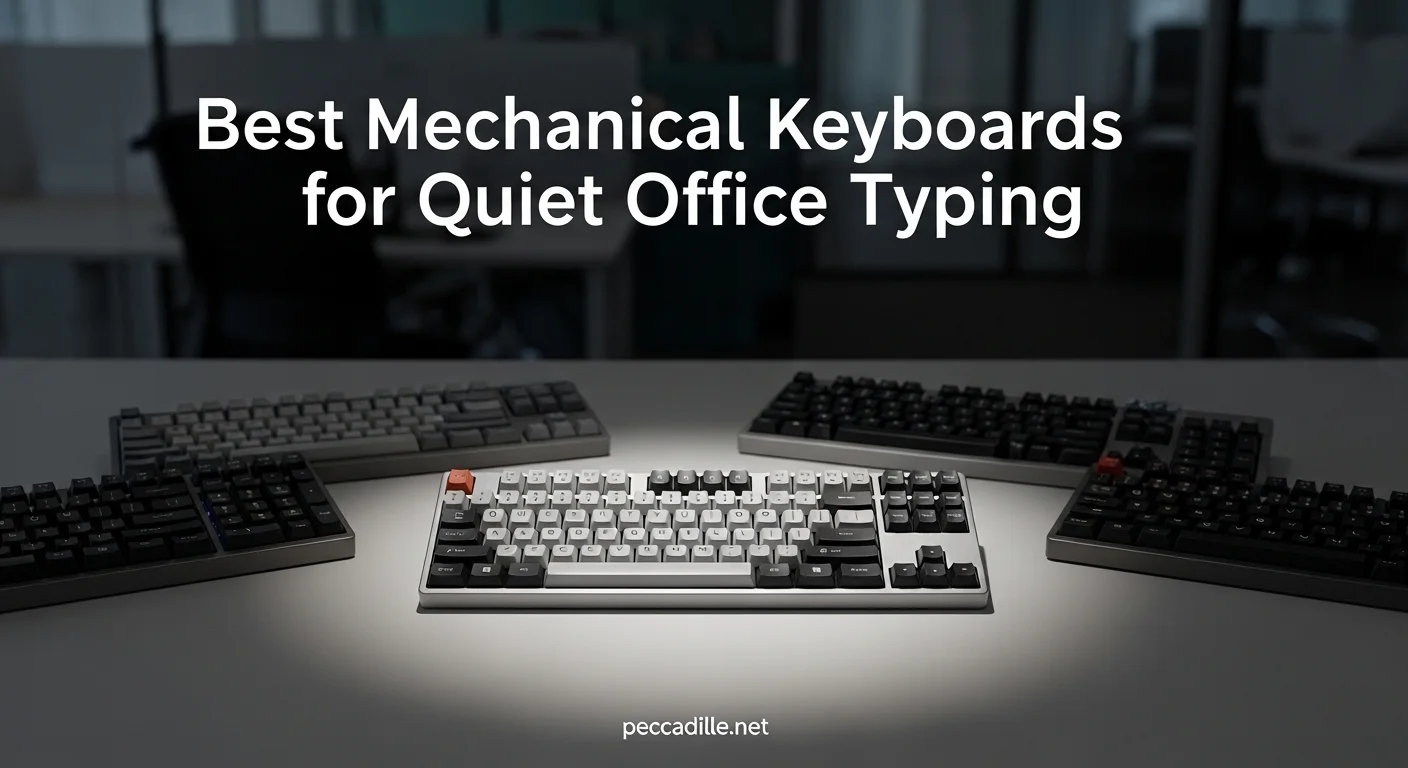
Best for a conventional office desk
A full-size or tenkeyless keyboard with silent linear switches is a sensible all-purpose choice. It gives you a familiar layout and reduces the most noticeable mechanical sounds without requiring a major change in typing technique. Tenkeyless boards leave more room for a mouse while preserving the function row and arrow keys, making them useful for writing, coding, and general productivity.
Best for a compact workstation
A 75 percent keyboard keeps the function row and arrow cluster while removing some navigation keys and unused spacing. This format is a practical middle ground for small desks, but verify the location of Delete, Home, and the arrow keys before purchasing. A 65 percent board is even smaller, though it often requires function-layer shortcuts for keys that office software uses regularly.
Best for mixed devices
✅Top 5 Best Quiet Keyboards of 2026 — Silent Mechanical, Office & Budget Picks!
A quiet wireless mechanical keyboard is convenient when you work across a computer, phone, and tablet. Look for Bluetooth multipoint if you frequently switch between devices, and confirm whether the keyboard can be used while charging. Lenovo, Microsoft, and Rii each serve different parts of the broader keyboard market, so compare the actual layout, switch type, warranty, and connection method rather than assuming a familiar brand name determines noise level.
For the three product picks in this guide, compare the pros and cons in the same order: noise control, typing feel, layout, connectivity, and price. One model may be quieter but less comfortable for long sessions, another may offer better wireless flexibility but louder stabilizers, and a third may provide the most useful layout at the cost of a larger desk footprint. This approach is more reliable than choosing by switch color or backlighting alone.
Linear, Tactile, and Silent Switches Compared
Linear switches move straight down without a tactile bump. They are often smoother and can be quiet when paired with careful typing, but standard linear switches are not necessarily office-friendly because the keycap still strikes the housing. Silent linear switches add dampers and are generally the safest recommendation when minimizing sound is the primary goal.
Tactile switches have a noticeable bump that signals when the key has actuated. Many people like this feedback for writing because it can reduce the urge to press each key all the way down. However, ordinary tactile switches can be louder than expected, and the bump itself does not make a switch quiet. Choose a silent tactile switch if you want feedback but need to limit noise.
Clicky switches use an intentional click mechanism and are usually the poorest fit for shared spaces. Even a careful typist will produce a distinct high-pitched sound that travels across a room. They can be enjoyable in a private office, but they should not be marketed as quiet simply because their actuation force is light.
Switch force and actuation point also affect perceived noise. A very light switch may encourage accidental presses, while a heavy switch can increase bottom-out impact. If possible, use a switch tester before buying. A short sample of typing can reveal whether you prefer smooth travel, tactile feedback, or a softer bottom-out feel far better than a product description.
How Keycaps and Case Design Affect Noise
Recommended products
Use these catalog picks as a shortlist for best quiet mechanical keyboards for offices and shared spaces. Compare measurements, materials, and return terms side by side instead of buying from a photo alone.


Thicker keycaps often produce a deeper, less sharp sound than thin, hollow keycaps, although their shape and material also influence feel. PBT keycaps are commonly chosen for their textured surface and resistance to shine, while ABS keycaps can have a smoother finish and brighter legends. Neither material guarantees quiet operation; the switch, stabilizers, typing force, and case remain equally important.
The spacebar deserves special attention. It has a large resonant cavity and can sound much louder than letter keys. A well-tuned stabilizer, internal dampening material, and a properly fitted spacebar can make a noticeable difference. If a board is otherwise appealing, replacement stabilizers or a little careful maintenance may solve a distracting rattle, but modifications can affect warranty coverage.
Case foam, plate material, and mounting style change both sound and feel. Flexible mounting can soften the bottom-out sensation, while a rigid metal plate may feel more precise but transmit sharper impact noise. A gasket-mounted board is not automatically quiet, and a plastic case is not automatically poor. Treat these features as clues, then look for consistent evidence in specifications and independent sound demonstrations.
Tips for Making Any Keyboard Quieter
Start with the desk surface. A large desk mat or thin desk pad can reduce reflected sound and stop the keyboard from sliding during use. Keep the board away from a bare wall or glass partition, which can make high-frequency clicks seem louder. Lowering the keyboard angle may also reduce the force used to bottom out, especially if the wrist position is more relaxed.
Developing a lighter typing technique is often more effective than replacing parts. Try releasing each key as soon as it actuates instead of pressing firmly through the entire travel. This takes practice, particularly with linear switches, but it reduces impact without changing the keyboard. If you share a room, avoid aggressive spacebar strikes and consider a softer wrist position rather than resting heavily on the front edge.
For a compatible board, switch films, lubricant, dampeners, or replacement silent switches can improve sound, but modifications require care and may void a warranty. Do not apply lubricant indiscriminately: excess lubricant can cause sluggish keys or electrical problems. Cleaning beneath keycaps and checking that stabilizer wires are seated correctly are safer first steps.
Finally, check physical compatibility when a keyboard will travel with other devices. A tablet setup may need a particular stand or case, and searches for accessories such as cover macbook air or ipad pro 9.7 case with keyboard can refer to very different products than a standalone mechanical board. Confirm dimensions, connection support, charging requirements, and whether the case blocks the keyboard or its wireless controls.
The quietest practical choice is usually a keyboard with silent linear or silent tactile switches, stable large keys, sound-dampening construction, and a layout that fits your work. Prioritize the noises that bother your workspace most, then balance them against typing feedback, portability, and long-term comfort. A well-matched keyboard should disappear into the room acoustically while remaining dependable under daily use.
FAQ: Best Quiet Mechanical Keyboards for Offices and Shared Spaces
What is the quietest type of mechanical keyboard for an office?+
Mechanical keyboards with silent linear switches are typically the quietest because they reduce both switch noise and bottom-out impact. A dampened case, thick keycaps, and an office-friendly layout can further limit sound in shared spaces.
Are quiet mechanical keyboards actually silent?+
No mechanical keyboard is completely silent, since key presses can still produce sound when keys bottom out or return upward. Silent switches, sound-dampening foam, rubber feet, and softer typing technique can make a keyboard much less noticeable.
Are linear or tactile switches better for a quiet office keyboard?+
Linear switches are generally quieter because they have no tactile bump or click mechanism. Tactile switches can still work well in an office when paired with silent designs, but they may produce more key noise depending on the switch and typing style.
What features should I look for in a quiet mechanical keyboard?+
Look for silent switches, a well-dampened case, thick or sound-absorbing keycaps, and stable spacebar and larger keys. A compact or tenkeyless layout may also reduce the keyboard's overall footprint, while adjustable feet and rubber grips help prevent desk vibrations.
How can I make my mechanical keyboard quieter?+
Install silent switches if the keyboard supports them, add switch or case dampening, and use keycaps made from thicker materials. Lubricating compatible stabilizers, adding desk padding, and avoiding forceful bottoming out can also reduce noise.